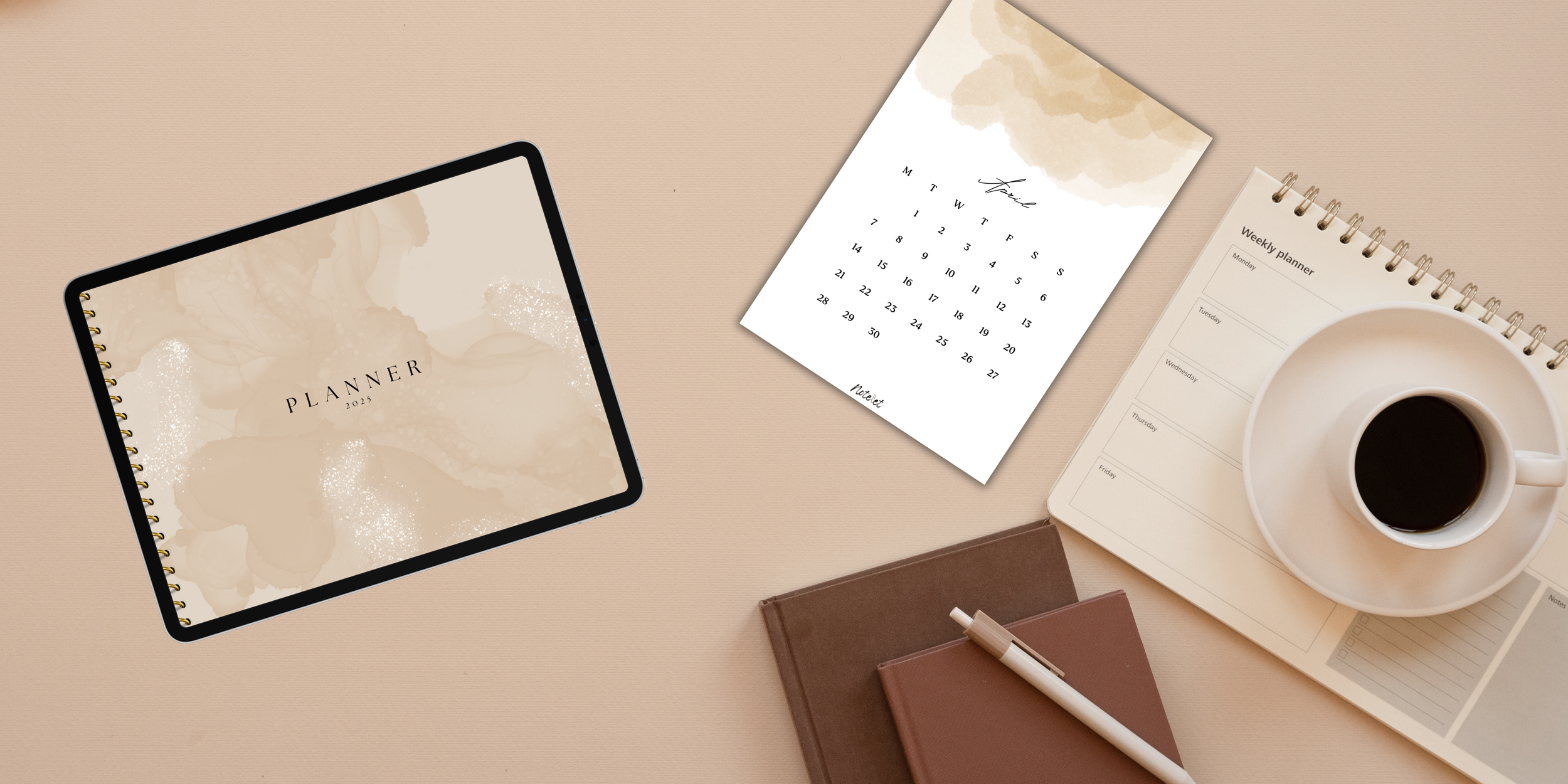
How to Start Digital Planning in Goodnotes (2026 Beginner Guide)
Digital planning makes it easy to organize your schedule, goals, and daily life in one place—no more juggling notebooks and sticky notes. With an iPad and Goodnotes, you can enjoy a flexible, paper-free system that works for students, professionals, and anyone seeking better organization.
If you're new, this guide will help you get started with Goodnotes in 2026.
What Is Digital Planning?
Digital planning means organizing your tasks, notes, and goals using a digital planner instead of paper.
Most planners are interactive PDFs with hyperlinks, letting you quickly jump between sections. With Goodnotes, it feels like writing on paper but with added digital benefits like:
Hyperlinked navigation.
Unlimited pages.
Copy and paste.
Digital stickers.
Handwriting and typing.
Searchable notes.
Cloud syncing.
Why Choose Goodnotes?
Goodnotes is popular for its smooth handwriting experience and powerful features:
Apple Pencil support.
Hyperlinked planners.
Folder organization.
Search handwritten notes.
PDF annotation.
iCloud syncing.
It’s a great choice for beginners.
What You'll Need
Getting started is simple:
iPad (best experience).
Apple Pencil (recommended).
Goodnotes app.
Digital planner (daily, weekly, student, goal, etc.).
How Digital Planners Work
Digital planners are interactive PDFs. Instead of flipping pages, you tap tabs to move between sections like months, weeks, or notes—making navigation fast and easy.
Setting Up Your Planner
Create a "Planning" folder.
Import your planner.
Use Read-Only mode for navigation.
Switch to Writing mode to write.
Bookmark important pages.
Personalize Your Planner
Customize your planner with:
Stickers and icons.
Highlighters.
Photos and quotes.
Color coding.
This makes your planner both functional and personal.
Tips for Staying Organized
Plan each morning (5 minutes).
Review each evening.
Weekly reset: review, move tasks, set goals.
Monthly planning: add dates, deadlines, and goals.
Common Mistakes
Buying too many planners.
Trying to make everything perfect.
Skipping weekly reviews.
Overloading your schedule.
Keep it simple and consistent.
Best Pages for Beginners
Start with:
Monthly and weekly planners.
Daily pages.
To-do lists.
Habit tracker.
Goal planner.
Notes.
Who Can Benefit?
Students: track classes and exams.
Professionals: manage work and deadlines.
Entrepreneurs: plan content and projects.
Families: organize daily life.
FAQs
Is Goodnotes free?
Pricing varies—check the App Store.
Can I use it without an Apple Pencil?
Yes, but a Pencil gives the best experience.
Can I print planners?
Some pages are printable.
Do I need internet?
No, you can use it offline.
Final Thoughts
Digital planning helps you stay organized, reduce stress, and focus on what matters. Start simple, stay consistent, and don’t aim for perfection.
If you're looking for beautifully designed planners in English and Arabic, explore Notelet Design for tools that keep you organized and inspired.